
Disclosure: This post contains affiliate links. As an Amazon Associate I earn from qualifying purchases at no extra cost to you.
The best webcam for working from home is your most important tool for remote meetings. A blurry, low-quality camera makes you look unprofessional no matter how good your setup is.
In this guide we’ve tested and researched the best webcams for working from home at every budget — from under $50 all the way to professional-grade options. Whether you’re on Zoom all day or just need something reliable for occasional calls, there’s an option here for you.
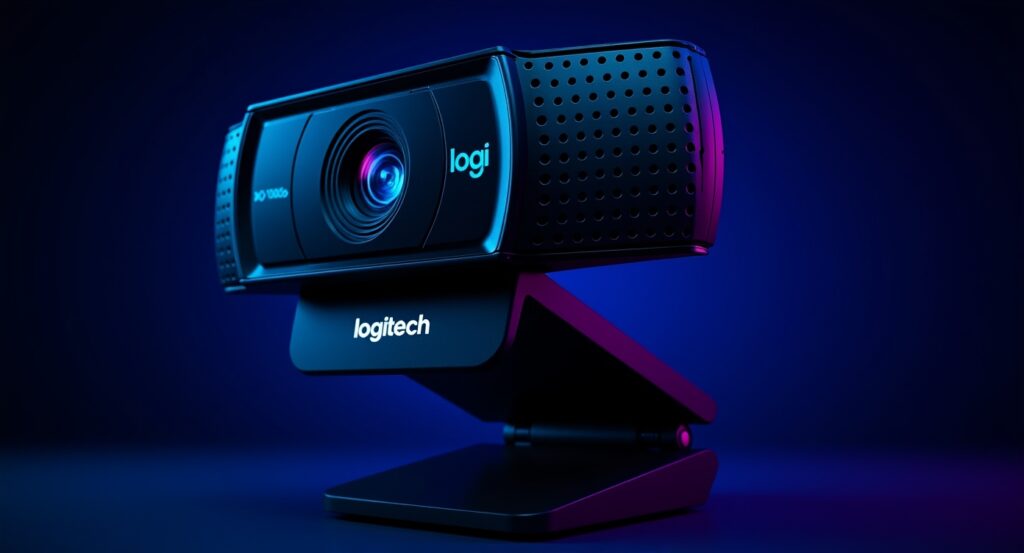
1. Logitech C920x HD Pro — Best Overall
The Logitech C920x is the gold standard for home office webcams. It shoots in full 1080p HD, has built-in dual microphones, and works plug-and-play with every major video platform including Zoom, Teams, and Google Meet. No drivers needed — just plug it in and you’re ready to go.
Who it’s best for: Anyone who wants a reliable, professional-looking image without spending a fortune.
Price range: $70–$90
Pros:
- Crystal clear 1080p video
- Built-in noise-reducing microphones
- Works on Mac and PC
- Very easy to set up
Cons:
- No 4K option
- Autofocus can be slow in low light

2. Logitech Brio 4K — Best Premium Webcam
If you want the absolute best image quality money can buy for a home office, the Logitech Brio is it. It shoots in stunning 4K, has HDR support so you look great even in tricky lighting, and includes Windows Hello facial recognition for instant login.
Who it’s best for: Executives, content creators, or anyone who appears on video constantly and wants to look their absolute best.
Price range: $150–$200
Pros:
- Stunning 4K HDR video
- Works in low light beautifully
- Windows Hello facial recognition
- Wide angle mode fits more in frame
Cons:
- Expensive
- 4K only works with USB 3.0

3. Razer Kiyo Pro — Best for Low Light
If your home office doesn’t have great lighting the Razer Kiyo Pro is your answer. It has a large adaptive light sensor that performs incredibly well in dark rooms — no ring light needed.
Who it’s best for: People with dimly lit home offices or rooms with tricky lighting situations.
Price range: $100–$130
Pros:
- Outstanding low light performance
- Ultra wide angle option
- No ring light needed
- Crisp 1080p at 60fps
Cons:
- Pricey for 1080p only
- Software can be glitchy

4. Microsoft LifeCam HD-3000 — Best Budget Pick
Don’t want to spend a lot but still need something better than your laptop camera? The Microsoft LifeCam HD-3000 gets the job done at a fraction of the price. Simple, reliable, and plug-and-play.
Who it’s best for: People on a tight budget who just need something better than their built-in laptop camera.
Price range: $25–$40
Pros:
- Very affordable
- Plug and play — no setup needed
- Decent 720p video quality
- Built-in microphone
Cons:
No autofocus
Only 720p not 1080p
Basic build quality
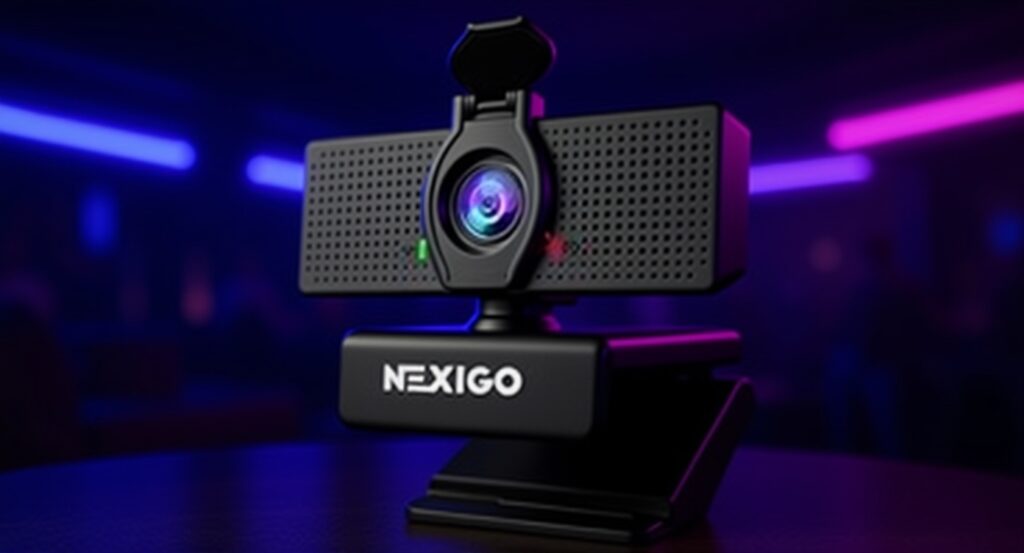
5. NexiGo N60 — Best Plug and Play
The NexiGo N60 is a hidden gem that punches way above its price point. It delivers solid 1080p video, has a built-in privacy cover so you can block the lens when not in use, and requires zero setup.
Who it’s best for: People who want simplicity and privacy features without breaking the bank.
Price range: $40–$60
Pros:
- Built-in privacy cover
- True 1080p at 30fps
- Super easy setup
- Good value for money
Cons:
- Less known brand
- Microphone is just average
- No software customization
| Product | Resolution | Price | Best For | Rating |
| Logitech C920x | 1080p | Overall Best | ⭐⭐⭐⭐⭐ | |
| Logitech Brio 4K | 4k | Premium | ⭐⭐⭐⭐⭐ | |
| Razer Kiyo Pro | 1080p | Low Light | ⭐⭐⭐⭐ | |
| Microsoft LifeCam | 720p | Budget | ⭐⭐⭐⭐ | |
| NexiGo N60 | 1080p | Plug & Play | ⭐⭐⭐⭐ |
Which Webcam Should You Buy?
If you want the best overall pick go with the Logitech C920x — it hits the sweet spot of quality and price that most remote workers need.
If budget is your priority the Microsoft LifeCam HD-3000 gets the job done without breaking the bank.
If you’re on video calls all day and want to look your absolute best invest in the Logitech Brio 4K — you won’t regret it.
Whatever you choose upgrading from your built-in laptop camera will immediately make you look more professional on every call.
Have a webcam you love that didn’t make our list? Email us at workdenhq@gmail.com and let us know!